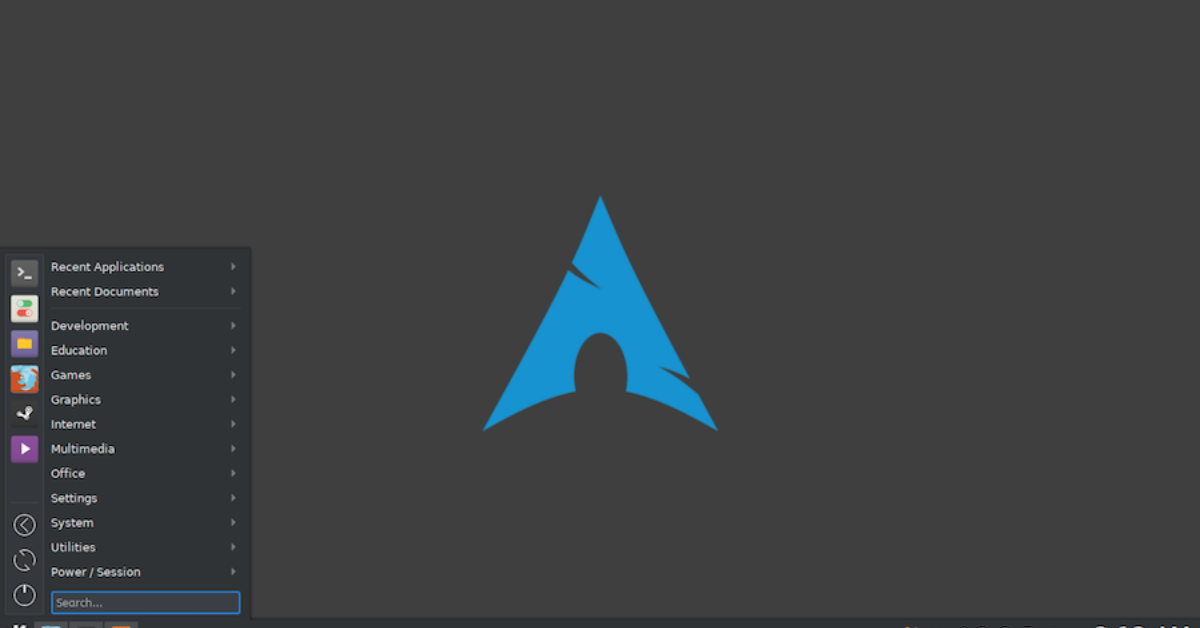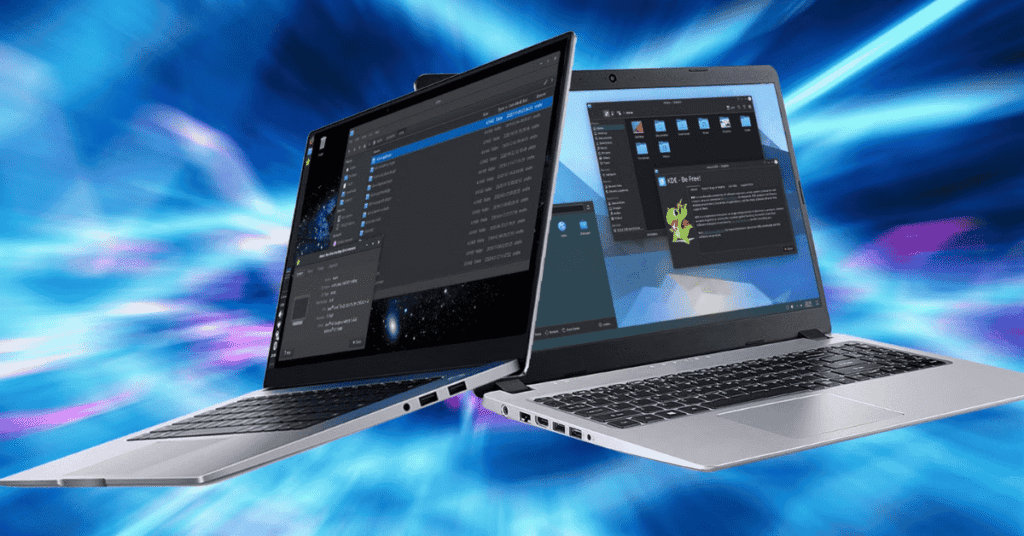
Arch Linux is known for its minimal installation and complete user control. Unlike many Linux distributions that come with a preinstalled graphical interface, Arch allows users to choose and install their own desktop environment. This flexibility makes it possible to build a system that perfectly matches performance needs, visual preferences, and workflow habits.
Among the most popular desktop environments for Arch users are GNOME, KDE Plasma, and XFCE. Each offers a different experience in terms of design, performance, and customization. Understanding the differences can help users choose the best environment for their Arch Linux setup.
Table of Contents
Environment Overview

Desktop Environment Comparison
| Environment | Description |
|---|---|
| GNOME | Modern and minimalist interface focused on simplicity |
| KDE Plasma | Highly customizable desktop with advanced features |
| XFCE | Lightweight environment designed for speed and efficiency |
| System Usage | GNOME uses more resources, XFCE uses the least |
| Customization | KDE Plasma offers the most configuration options |
| User Experience | Each environment suits different workflows |
Selecting the right desktop environment depends on the user’s hardware capabilities, performance needs, and preferred interface design.
Gnome Features
- Modern Interface: GNOME offers a clean and modern user interface that emphasizes simplicity and productivity.
- Minimal Distractions: The desktop uses a streamlined design with fewer buttons and menus, allowing users to focus on applications and tasks.
- Integrated Applications: GNOME includes a set of well-integrated default apps such as a file manager, system settings, and a terminal.
- Touch Support: The interface works well on touch devices and laptops with gesture support.
GNOME works best for users who prefer a simple environment that works smoothly out of the box. Its design philosophy removes unnecessary complexity and provides a consistent experience across applications.

However, GNOME can be heavier in terms of system resource usage compared with other desktop environments. On older computers or low-memory systems, this may slightly affect performance.
Plasma Advantages
- Extensive Customization: KDE Plasma is famous for its powerful customization options. Users can modify nearly every part of the interface.
- Modern Visual Design: The desktop includes animations, widgets, themes, and layout controls that allow users to create a personalized workspace.
- Powerful Tools: KDE offers advanced tools such as system monitors, file management utilities, and configuration panels.
- Balanced Performance: Recent versions of KDE Plasma are optimized and perform efficiently even on mid-range systems.
KDE Plasma is ideal for users who want maximum flexibility in designing their desktop environment. Panels, menus, icons, and widgets can all be adjusted to suit personal preferences.
Many Arch Linux users appreciate KDE because it combines advanced features with a visually appealing interface. It provides a professional desktop experience similar to traditional operating systems while remaining highly customizable.
Xfce Benefits
- Lightweight Design: XFCE focuses on speed and efficiency, making it ideal for older hardware.
- Low Resource Usage: The environment uses minimal CPU and memory, which helps maintain system responsiveness.
- Stable Environment: XFCE prioritizes reliability and long-term stability over frequent visual changes.
- Simple Interface: The traditional desktop layout makes it easy for users migrating from other operating systems.
XFCE is often recommended for users running Arch Linux on older laptops or low-power machines. Because it consumes fewer system resources, it keeps the system running smoothly even under heavy workloads.
Although XFCE does not include as many visual effects as other environments, it remains highly functional and practical for daily computing tasks.
Selection Tips
Choosing the best desktop environment for Arch Linux depends on personal preferences and hardware limitations.
- Choose GNOME if:
- You prefer a clean, modern interface
- You want a polished and consistent user experience
- Your system has sufficient RAM and processing power
- Choose KDE Plasma if:
- You enjoy customizing your desktop layout
- You want advanced features and graphical effects
- You like having detailed control over system settings
- Choose XFCE if:
- You need maximum performance on older hardware
- You prefer a traditional desktop layout
- You want a lightweight and stable environment
Many Arch Linux users experiment with multiple environments before settling on their favorite. Because Arch allows easy installation and removal of desktop environments through the package manager Pacman, switching between them is straightforward.
Future Outlook
Desktop environments continue evolving as the Linux ecosystem grows. Projects like GNOME, KDE Plasma, and XFCE regularly release updates that improve performance, design, and compatibility.
Arch Linux’s rolling release model ensures that users receive these improvements quickly. Instead of waiting for major distribution updates, new desktop features and improvements appear through regular system upgrades.
As Linux adoption increases among developers, students, and professionals, desktop environments will continue improving usability and performance. Arch Linux users benefit greatly from this constant innovation, allowing them to create highly personalized and efficient computing environments.