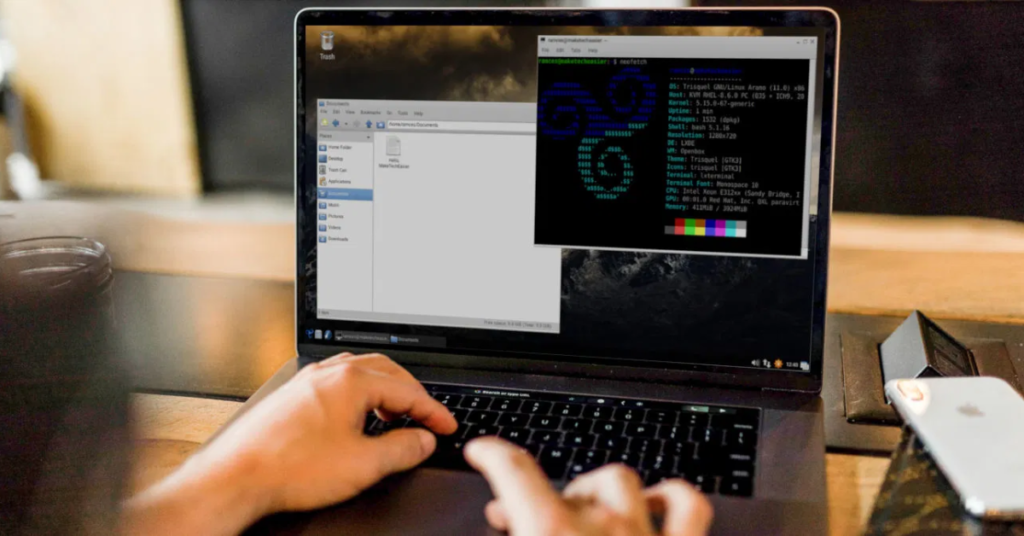
For developers using Arch Linux, choosing the right code editor can significantly improve productivity, readability, and workflow. Arch Linux’s minimal base allows developers to install only what they need, making it ideal for customizing development environments. Whether you’re writing scripts, building web applications, or developing large-scale software, the code editor you choose should support your language of choice, offer useful tooling, and integrate well with your workflow. Below, we explore some of the best code editors available for Arch Linux — from lightweight terminal tools to full-featured integrated development environments (IDEs).
Table of Contents
Editor Overview
Top Code Editor Comparison
| Editor | Best For | Key Features |
|---|---|---|
| Visual Studio Code | Full‑featured development | Extensions, IntelliSense, debugger |
| Neovim | Terminal lovers | Modal editing, highly extensible |
| Sublime Text | Lightweight performance | Fast, multi‑selection editing |
| Atom | Web developers | Hackable design, Git integration |
| Emacs | Power users | Custom scripting, rich ecosystem |
| Geany | Simple projects | Lightweight IDE |
| Kate | KDE desktops | Multi‑document support |
| Vim | Classic editing | Ubiquitous, efficient |
Each editor has strengths tailored to different workflows and preferences.
Visual Studio
Visual Studio Code (often called VS Code) is one of the most popular editors among developers on any platform, including Arch Linux. It combines a modern graphical interface with powerful features that work out of the box.
- Extension Ecosystem — VS Code supports thousands of extensions for languages, frameworks, and tools.
- IntelliSense & Debugging — Context‑aware suggestions and built‑in debugging improve coding speed and reduce errors.
- Git Integration — Source control is built directly into the editor.
Install Visual Studio Code with Pacman:
sudo pacman -S code
VS Code is excellent for web development (JavaScript, TypeScript), backend development (Python, Go, Rust), and even embedded workflows when combined with proper extensions.
Neovim Editor
Neovim is a modern rewrite of Vim designed to maintain Vim’s modal editing philosophy while adding features that improve extensibility and integration. It runs in a terminal, making it ideal for users who want speed without leaving the keyboard.
- Modal Editing — Allows powerful keyboard navigation and editing modes.
- Lua Configuration — Enables advanced customization and plugin management.
- Lightweight — Uses minimal system resources while supporting powerful workflows.
Install Neovim with:
sudo pacman -S neovim
Neovim can be extended with plugins such as LSP (Language Server Protocol) clients for IDE‑like features while remaining fast and responsive.
Sublime Text
Sublime Text is a lightweight editor that starts instantly and handles large files with ease. While it’s proprietary, many developers appreciate its responsiveness and elegant interface.
- Goto Anything — Quick navigation to files, symbols, or lines.
- Multi‑Selection Editing — Edit many lines at once efficiently.
- Package Control — Easy plugin installation and management.
Install Sublime Text from the AUR using a helper like yay:
yay -S sublime-text-4
Sublime is ideal for developers who want a balance between speed and powerful editing features without the overhead of a full IDE.
Atom Editor
Atom is a hackable open‑source editor originally developed by GitHub (now maintained by the community). It provides a friendly UI and deep Git integration.
- Themes & Plugins — Highly customizable interface and behavior.
- Git Support — Built‑in Git and GitHub integration.
- Web Tech Stack — Developed using web technologies, making customization intuitive for web developers.
Install Atom from the AUR:
yay -S atom
Atom works well for web projects and scripting languages, though it can use more memory than lighter editors.
Emacs Editor
Emacs is more than just a code editor — for many, it’s a complete development environment. With an extensive ecosystem of packages, Emacs adapts to nearly any workflow.
- Org Mode — Powerful documentation and task management.
- Lisp Scripting — Customize behavior at the deepest levels.
- Language Support — Extensions for many programming languages.
Install Emacs with:
sudo pacman -S emacs
Emacs’s learning curve is steep, but it rewards users with unmatched flexibility once mastered.
Geany Editor
Geany is a fast, lightweight IDE that fills the gap between basic editors and full IDEs.
- Built‑in Compiler Support — Compile code directly from the editor.
- Project Management — Simple tools for managing files and builds.
- Low Memory Usage — Ideal for older hardware or minimal setups.
Install Geany with:
sudo pacman -S geany
Geany is perfect for smaller projects or learners who want an IDE feel without heavy tools.
KDE Kate
Kate is a powerful multi‑document editor often used in KDE environments but equally capable elsewhere.
- Session Management — Save layouts and project configurations.
- Code Folding & Highlights — Improves readability.
- Integrated Terminal — Run shell commands without leaving the editor.
Install Kate:
sudo pacman -S kate
Kate offers a comfortable balance of GUI features and performance.
Classic Vim
Vim remains one of the most enduring editors in the Linux world. Vim’s modal editing, once learned, allows extremely efficient navigation and editing. It’s available by default on most systems.
Install Vim with:
sudo pacman -S vim
Vim is ideal for developers who want a consistent experience across terminals and servers.
Choosing the Right Editor
Selecting a code editor depends on your workflow and the languages you use:
- VS Code – Best general‑purpose choice with extensions, GUI, and debugger tools.
- Neovim / Vim – Best for keyboard‑centric developers who want speed and minimal overhead.
- Sublime Text – Great for fast editing and large files.
- Atom – Ideal for web developers who enjoy customization.
- Emacs – Best for users who want a deeply extensible environment.
- Geany / Kate – Wonderful lightweight IDE alternatives.
All these editors run smoothly on Arch Linux and can be customized further with themes, plugins, and language servers.
Closing Perspectives
Arch Linux gives developers the freedom to choose tools that fit their exact needs. Whether you prefer fully featured environments like VS Code or lightweight terminal editors like Neovim, there’s a code editor suited to every workflow.
Because Arch Linux uses the Pacman package manager and supports the AUR, it’s easy to install and update the editors listed above. You can even install multiple editors side‑by‑side and switch between them depending on the task.