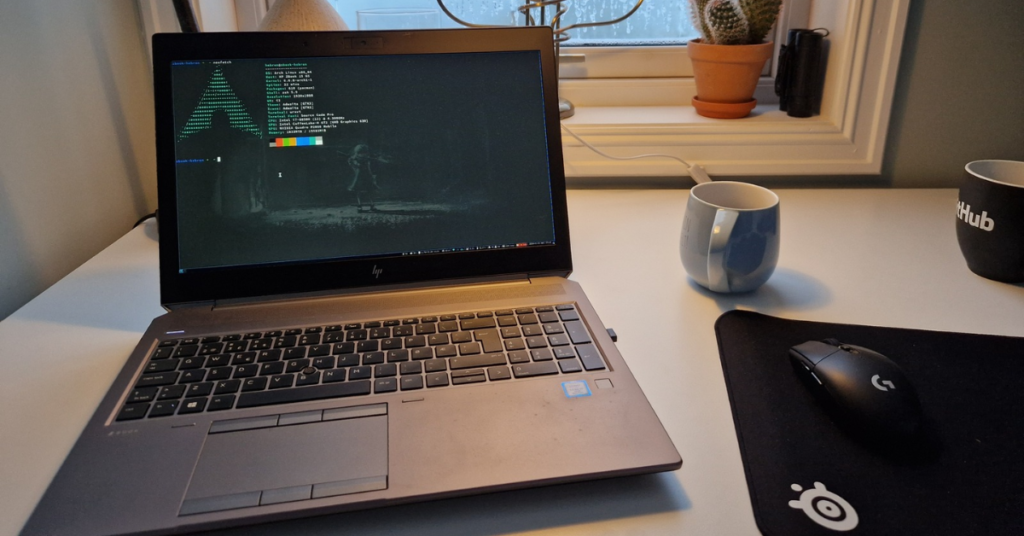
Choosing the right laptop for Arch Linux is crucial for a smooth experience. Arch Linux requires hardware with good Linux compatibility, reliable drivers, and enough resources for development or daily tasks. This guide highlights the top laptops in 2026 that work well with Arch Linux, balancing performance, battery life, and compatibility with modern kernels.
Table of Contents
Laptop Overview
Top Arch Linux Laptops 2026
| Laptop | Key Feature |
|---|---|
| Samsung Galaxy Book5 | Lightweight, strong hardware support, excellent battery life |
| ASUS Zenbook 14 OLED | Premium OLED display, sleek design, good Linux compatibility |
| Lenovo ThinkBook 16 Gen 7 | Balanced workstation, strong performance, reliable Arch support |
| Dell Inspiron 15 i5 | Budget-friendly, solid everyday Linux performance |
| ASUS Vivobook 15 | Affordable, good for students and casual use |
| Lenovo LOQ 13th Gen | Gaming performance with Linux driver support |
| Asus TUF Gaming F16 | Dual-purpose gaming and development |
| HP Victus Gaming | Mid-range gaming, decent Arch Linux support |
This table provides a quick overview of the best options to suit different use cases, from everyday development to high-performance gaming setups.
General Recommendations
- Hardware Support: Intel and AMD CPUs, integrated graphics, and common Wi-Fi chipsets ensure out-of-the-box compatibility.
- RAM and Storage: For development, virtualization, or multitasking, choose at least 16 GB RAM and an NVMe SSD for speed.
- Battery Life: Lightweight ultrabooks like the Samsung Galaxy Book5 and the ASUS Zenbook provide longer battery life under Linux.
- Community Support: Popular models such as ThinkPads have strong Linux user communities and extensive documentation.
Prioritizing hardware with strong Linux support reduces driver issues and ensures a smoother Arch Linux experience.
Lightweight and Portable Options
- Samsung Galaxy Book5 – Excellent for developers who travel or need a portable workstation. Lightweight with robust battery life and stable Linux driver support.
- ASUS Zenbook 14 OLED – A premium ultrabook with a high-quality OLED display, ideal for programmers and multitaskers seeking a sleek design and modern hardware compatibility.
These laptops focus on portability without sacrificing performance, making them suitable for students, remote workers, and professionals who need Arch Linux on the go.
Budget-Friendly Laptops
- Dell Inspiron 15 i5 – Reliable everyday laptop with strong community-tested Linux support, perfect for web development or general use.
- ASUS Vivobook 15 – Affordable option for students or casual Linux users. Offers good Arch Linux compatibility and stable performance for daily tasks.
Budget-friendly laptops provide a balance between price and Linux support, making Arch Linux accessible without compromising essential functionality.
Gaming and High-Performance Options
- Lenovo LOQ 13th Gen Gaming Laptop – Suitable for gaming, virtualization, and heavy multitasking. Works well with Linux drivers when paired with recent kernels.
- Asus TUF Gaming F16 – Combines gaming performance with development capabilities. Proper kernel support ensures stability on Arch Linux.
- HP Victus Gaming Laptop – Mid-range gaming laptop, decent Linux support, ideal for dual-purpose use (gaming and work).
High-performance laptops allow developers to run virtual machines, compile software, or even use Linux for gaming with Steam Proton. Driver support and kernel compatibility are critical considerations.
Tips for Installing Arch Linux
- Test with a live USB to confirm hardware compatibility (Wi-Fi, Bluetooth, graphics, keyboard).
- Use the LTS kernel for stability on laptops prone to driver issues.
- Research firmware updates to avoid conflicts with Linux.
- Check Arch Wiki for model-specific installation notes.
- Backup regularly and ensure system snapshots before major updates.
Following these practices ensures a smoother installation and avoids potential driver conflicts.
Final Analysis
Choosing the right laptop for Arch Linux in 2026 involves balancing performance, portability, price, and compatibility. Lightweight ultrabooks like Samsung Galaxy Book5 and ASUS Zenbook 14 OLED are excellent for developers and students, while budget laptops like Dell Inspiron 15 and ASUS Vivobook 15 offer solid everyday performance. High-performance machines such as Lenovo LOQ and Asus TUF Gaming F16 cater to power users and gamers who want Linux flexibility.
Arch Linux users benefit from laptops with strong hardware support, active community resources, and compatibility with modern kernels. Selecting the right laptop ensures a stable, efficient, and enjoyable Linux experience for work, study, or development.